Passer au contenu principal

Format Display

GénéralitéGénéralités

    Les

  • Adserverformats régiedisplay utilisésont identiques sur nos 3 sites : DFPRTL, (Google/FUN Doubleclick
  • Radio
  • Délaiet de réception des éléments techniques : 5 jours ouvrés avant le lancement de la campagne
  • Formats technologiques : png, gif ou jpeg
  • Contextualisation du format : Le message diffusé doit être contextualisé à un moment de pause (exemple « Fondez pour une pause LINDOR »).
RTL2.

Formats Desktop

Elémentsàimage
DeviceEmplacement FormatsTailles Taille Poids Typefournir
DesktopLeaderboard Top Horizontal
  • 1000x250
  • 1000x90
  • 728x90
600x400 <
    400
  • Fichier ko
jpegaux |formats: pngJPG |/ gifPNG / GIF
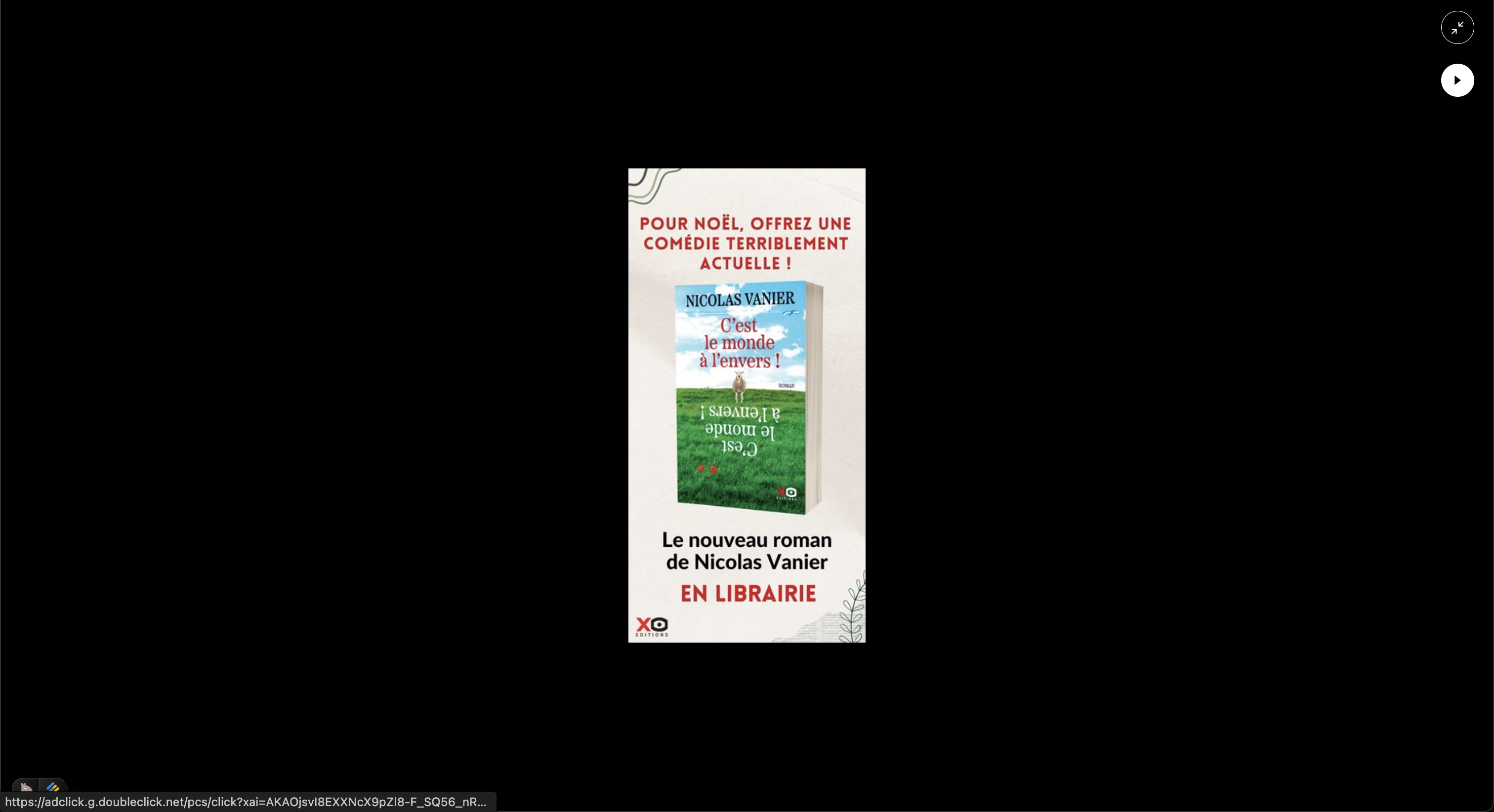
MobileMPU Top Vertical
  • 300x250
  • 300x600
300x600
  • Fichier image aux formats: JPG / PNG / GIF
In Feed < 400
    ko
  • 300x600
  • 300x250
jpeg |
    png
  • Fichier |image gifaux formats: JPG / PNG / GIF

 Tablette

EmplacementTaillesEléments à fournir
Leaderboard Top
  • 728x90
  • 320x100
  • Fichier image aux formats: JPG / PNG / GIF
MPU Top
  • 300x250
  • 300x600
  • Fichier image aux formats: JPG / PNG / GIF
In Feed
  • 300x600
  • 300x250
  • Fichier image aux formats: JPG / PNG / GIF

 Mobile

EmplacementTaillesEléments à fournir
Leaderboard Top
  • 320x50
  • 320x100
  • Fichier image aux formats: JPG / PNG / GIF
MPU Top
  • 300x250
  • 300x600
  • Fichier image aux formats: JPG / PNG / GIF
In Feed
  • 300x250
  • 300x600
  • Fichier image aux formats: JPG / PNG / GIF